
The app
Calm on the wrist. Clear on the phone.
Four tabs on the iPhone, a Watch app that works on its own, and one dial that tells you at a glance how steady things are.
iPhone
01
Home
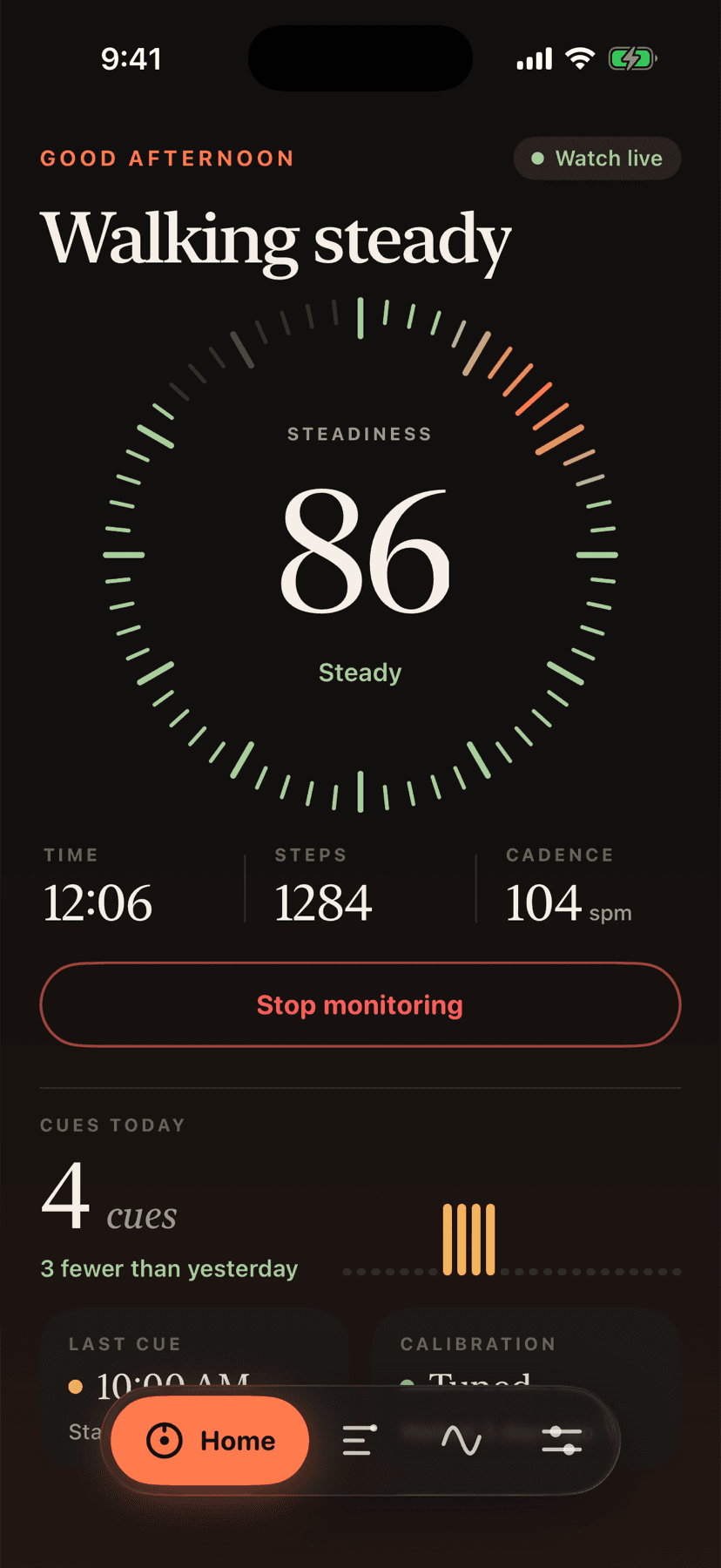
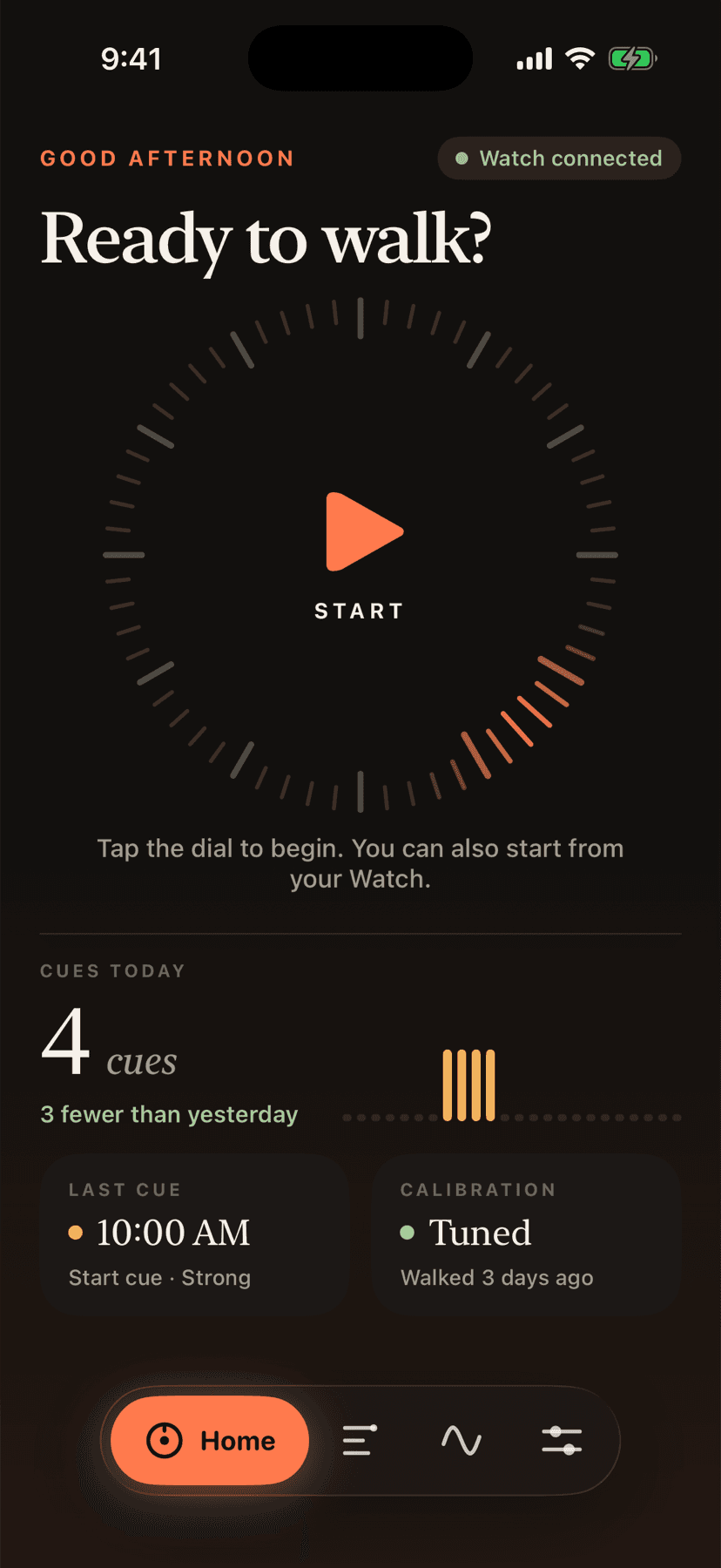
The live session. A tick dial shows your steadiness score, with time, steps and cadence while you walk. Below it: cues today, the last cue and your calibration status. Tap the dial to start or stop monitoring on your Watch.
02
History
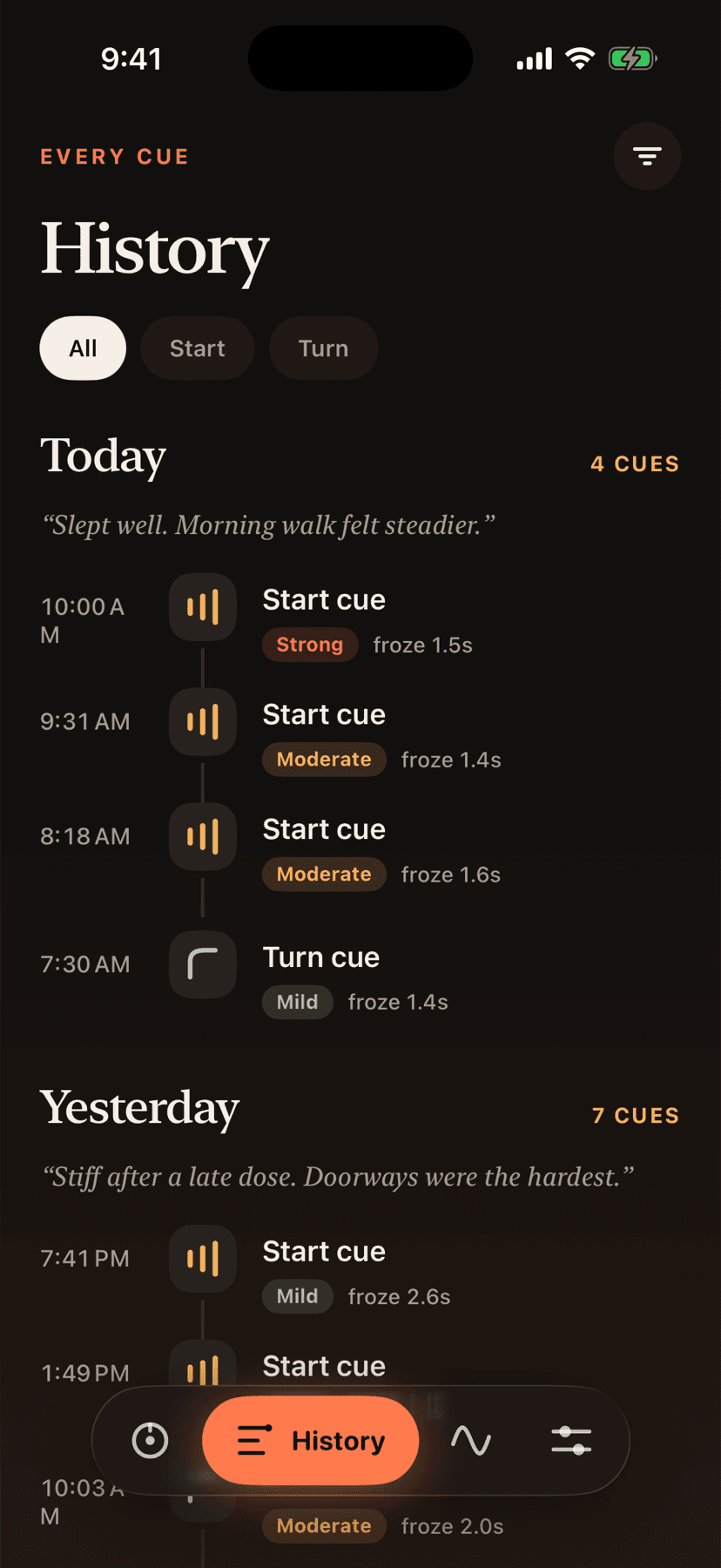
A timeline of every cue, grouped by day. Each shows whether it was a start or a turn, how strong it was, how long the freeze lasted, and whether you marked it helpful. Filter by type, add a daily note about medication timing, sleep or how walking felt, and export to CSV.
03
Trends
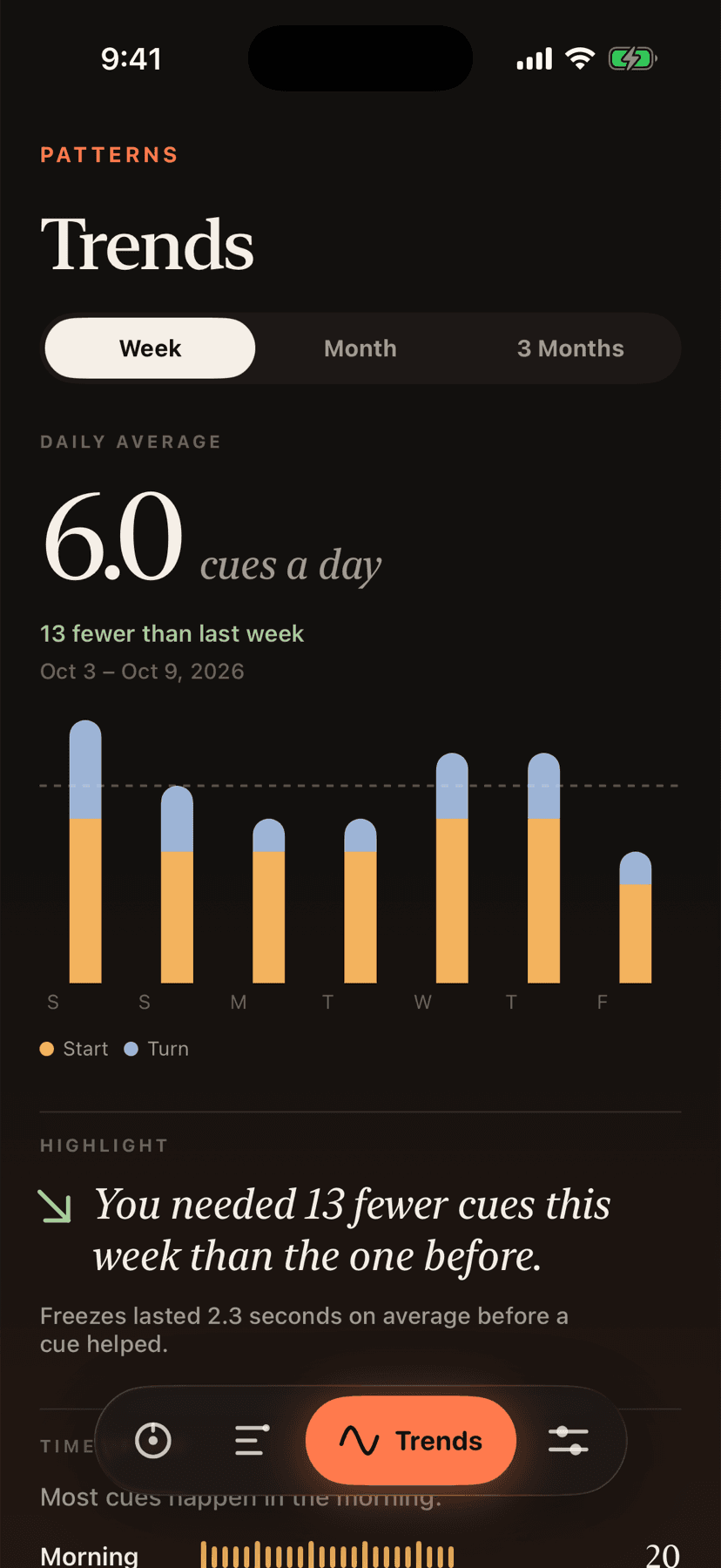
Switch between week, month and three months. See the daily average, how this period compares with the last, the time-of-day pattern, the strength split and your calibration baseline.
04
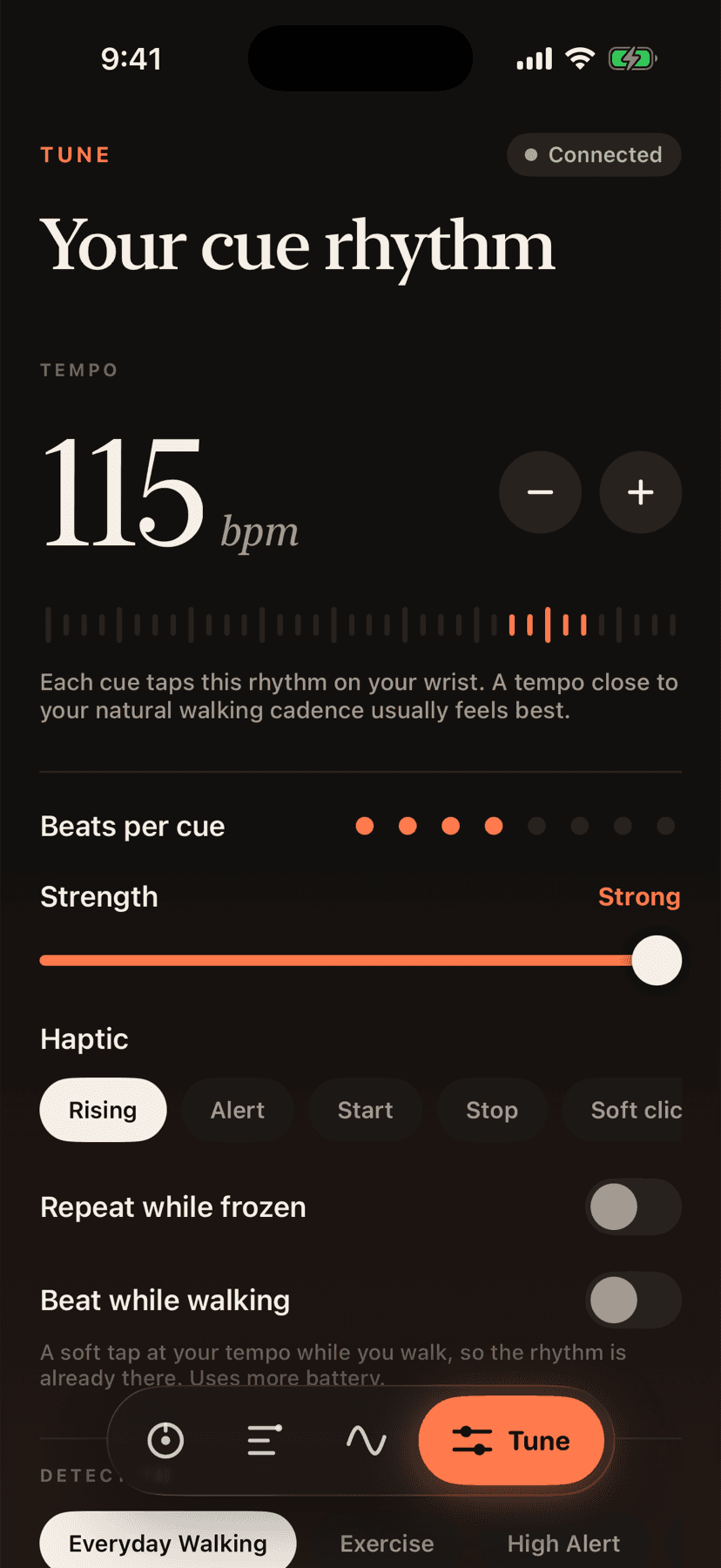
Tune
Cue tempo from 60 to 130 beats per minute, beats per cue, strength and haptic style. Repeat while frozen, beat while walking, and a detection mode: Everyday, Exercise, High alert or Custom. Send a test cue, calibrate, export or reset.
05
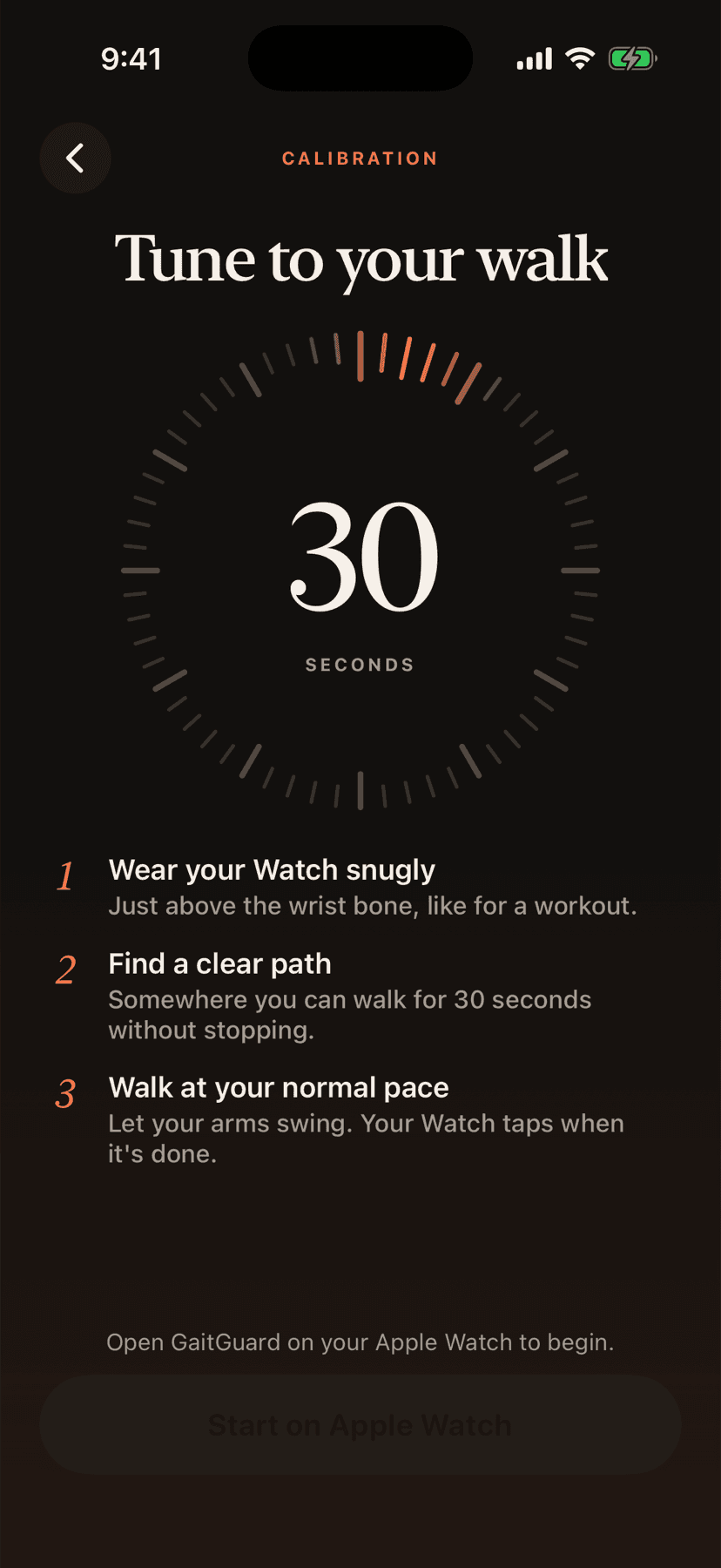
Calibration
A 30-second walk that teaches GaitGuard your pace. It checks that you actually walked, learns your cadence and suggests a matching cue tempo.
06
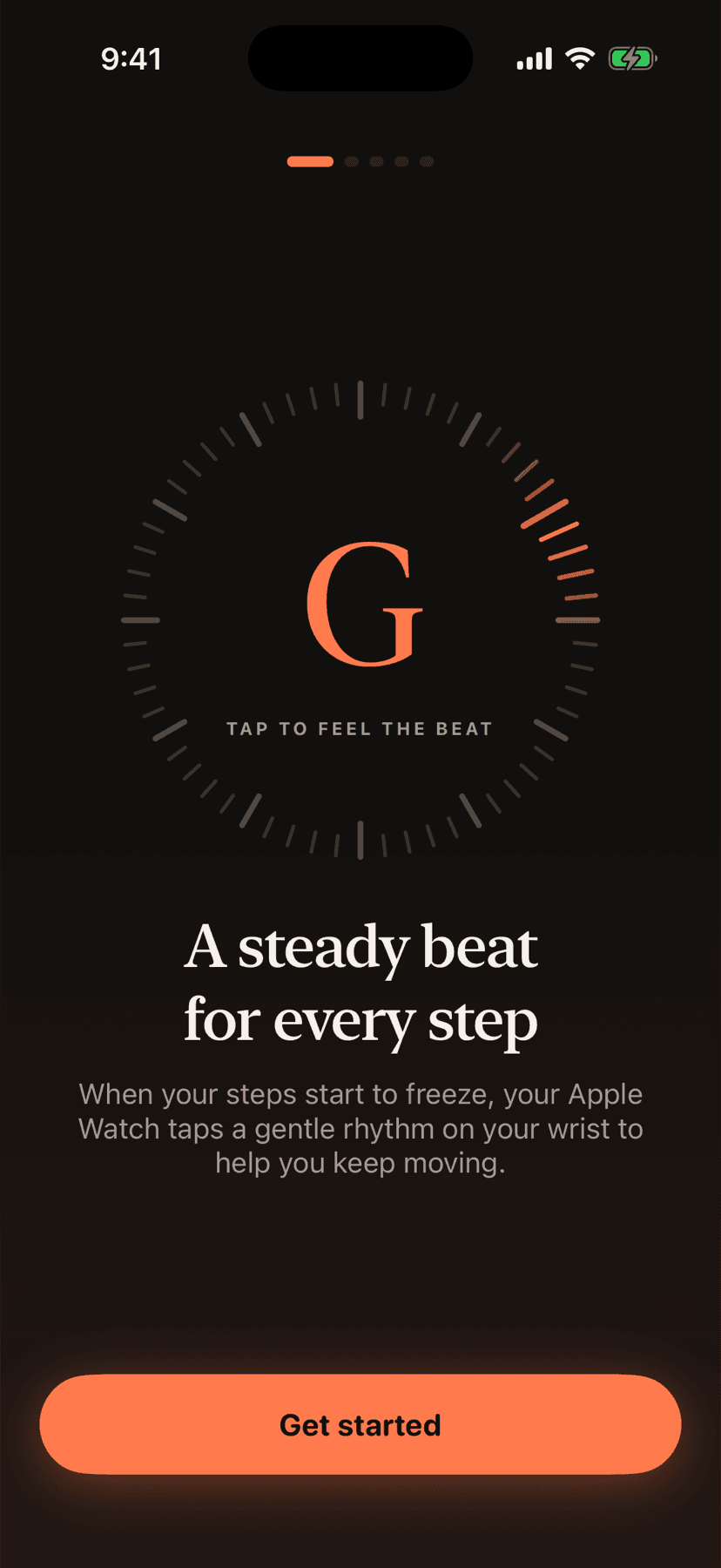
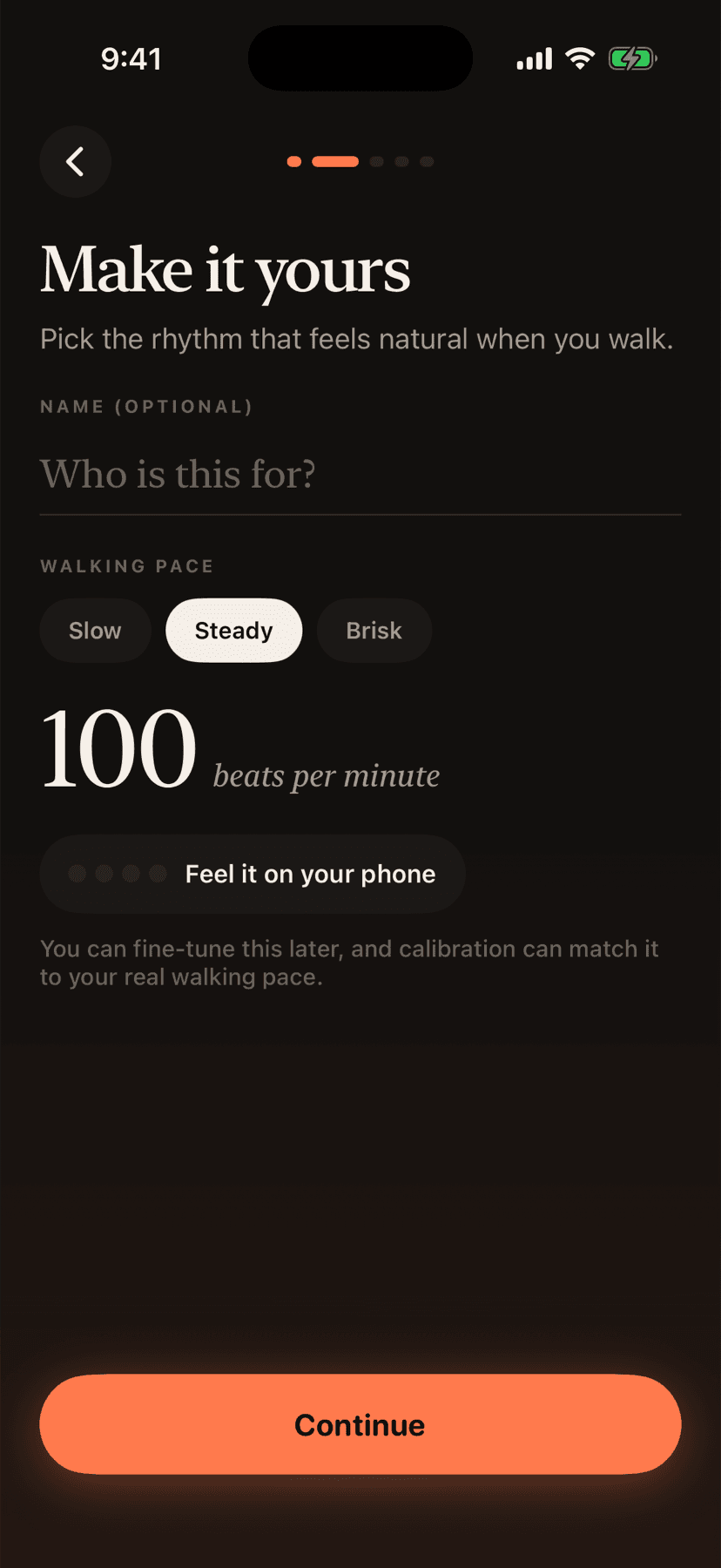
Guided setup
Five short steps: feel the beat on your phone, say who it's for and pick your pace, pair your Watch, take the calibration walk, and read the safety notes.
Apple Watch
Works on its own. Phone not required while walking.
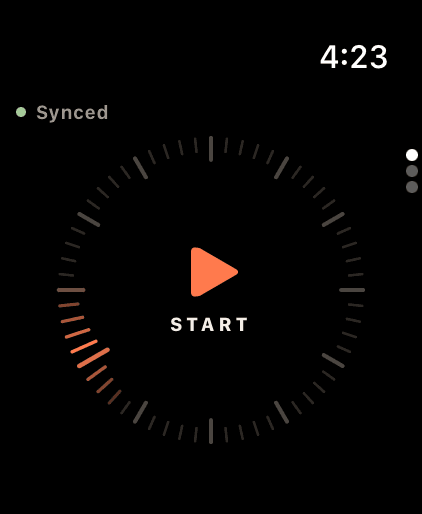
Dial home
Tap to start. A Stop pill appears while you walk, with your live steadiness score.
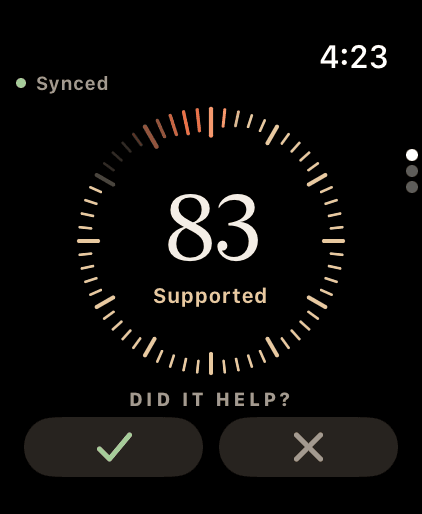
Did it help?
After every cue, a tick or a cross. The app adapts to your answers.
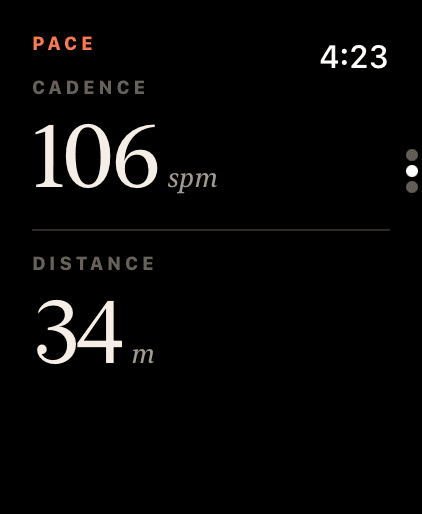
Pace
Your cadence and distance as you walk.
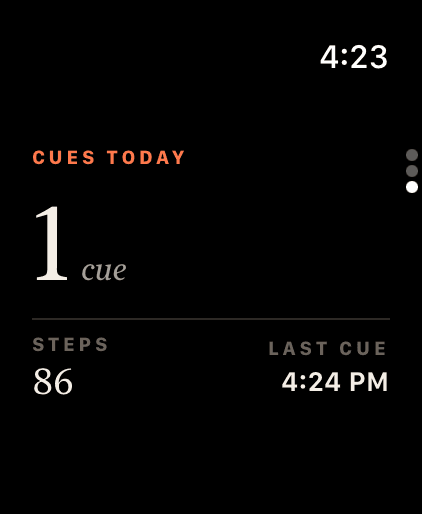
Today
Cues, steps and the last cue, plus a Calibrate button.
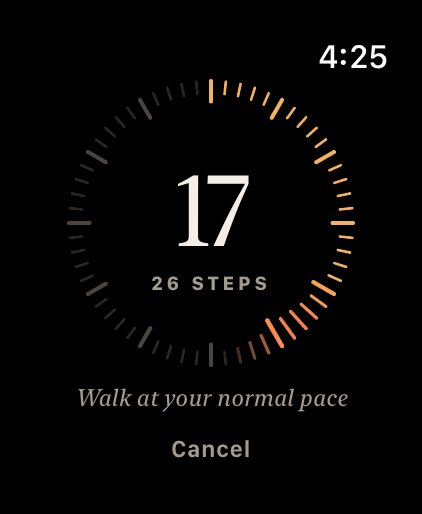
Calibration
A get-ready countdown, then a dial that fills as you walk.
Screenshots from a development build, showing demo data.
New in this version
What's new.
- Detection that waits for walking first and uses your own baseline
- Freeze length measured and shown in History
- Smarter calibration: checks you walked, learns your pace and suggests a matching cue tempo
- A tick or a cross after each cue, and the app learns from it
- Beat while walking: an optional soft metronome on your wrist
- A steadiness score based on real stride data
- A low-battery warning and automatic stop
- Guided setup with live Watch pairing
- A new design: floating navigation bar, tick-dial home, serif numerals, a matte dark theme
- A new Apple Watch app design
Coming next
Not available yet. These are planned.
- A medication log, to see how cues relate to ON and OFF times
- A PDF report to share with your care team
- A Watch complication